
Tag: CMS publishing workflow
-
How to Schedule WordPress Posts and Verify the Publish Time
Schedule a finished WordPress post using the native editor, verify its timezone and saved status, change or cancel the schedule, and check what to do if publication is delayed.
-

Word to Blogger: Turn a Word Document Into a Blog Post
Move Word content into a Blogger draft, check headings, lists, links, images, and tables, and distinguish publishing an article from sharing a downloadable Word file.
-
How to Check Word Count in Google Docs and WordPress
Find word counts in Google Docs and WordPress, compare the same article scope, and investigate differences with a simple worksheet and content-level checks before approving a transferred draft.
-
Project Management for Marketing Agencies: Choosing a Content Delivery Workflow
Evaluate project management for marketing agencies by testing one client article from brief through approval, WordPress publishing, and live verification. Use a reusable scorecard and pilot to identify must-haves, expose handoff gaps, and decide whether to keep your current setup, add publishing support, or reconsider your coordination tool.
-
Automated Publishing Software: How to Choose for a WordPress Team
Compare automated publishing software by the handoff your WordPress team needs, then use a controlled pilot to check formatting, approvals, revisions, duplicate handling, and recovery.
-
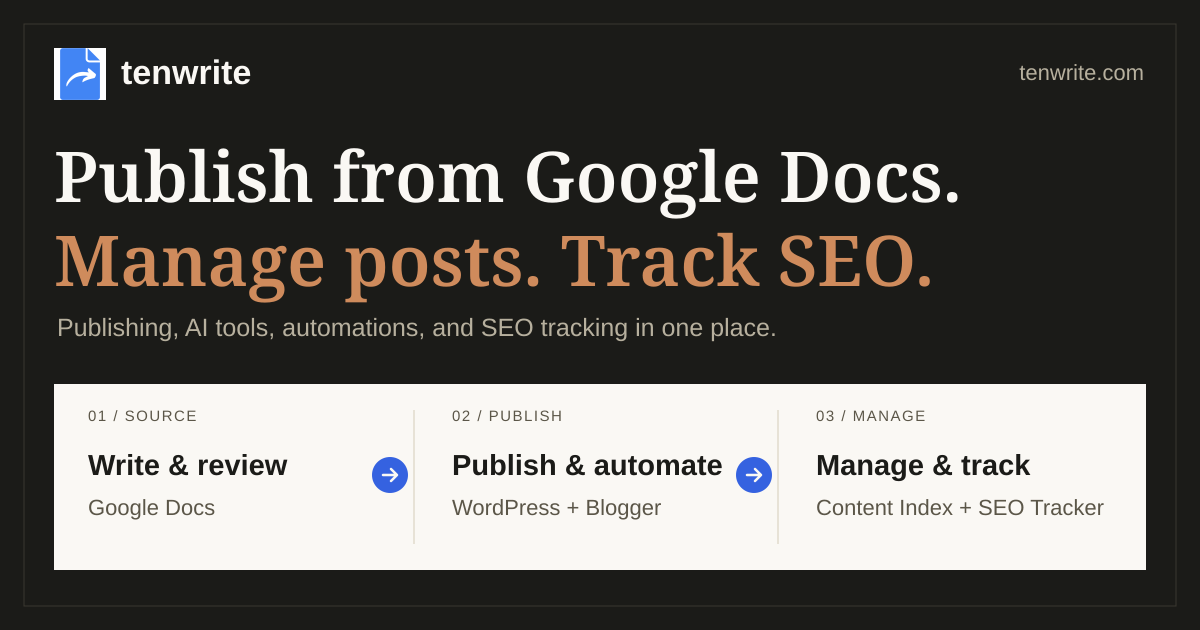
Content Operations Playbook — Tenwrite Demo
A practical workflow for publishing from Google Docs.
-
Content Management System: How to Evaluate One for a Publishing Workflow
Evaluate a content management system by testing one article from approved source through WordPress draft, preview, release, and public-page verification. Includes a practical pass/fail checklist for content teams.
-
Google Drive to WordPress: Choose the Right Publishing Workflow
Choose the right Google Drive WordPress workflow: display a Drive file for visitors or turn reviewed content into a WordPress draft. Use the decision table and validation checklist to protect the handoff before release.
-
Google Docs and WordPress: A Practical Draft-to-Publish Handoff
Use a four-stage Google Docs and WordPress handoff to identify the approved source, choose a transfer route, QA the CMS draft, and verify the live page after release.
-
How to Make a Google Doc for a Content Draft
Learn how to create a Google Doc for a content draft, name and structure it for review, share it without implying approval, and record the source status and open-work owner before a CMS handoff.