Category: Content Operations
-
Build an Editorial Workflow From Draft to Published Post
Build a lightweight editorial workflow with clear owners, approval rules, and CMS checks. Follow an illustrative article from assignment to publication and correction.
-

Word to Blogger: Upload a DOCX and Review Your Post
Publish Word to Blogger with a direct DOCX upload. Follow a tested draft walkthrough, check images and formatting, and update the same post from a revised file.
-
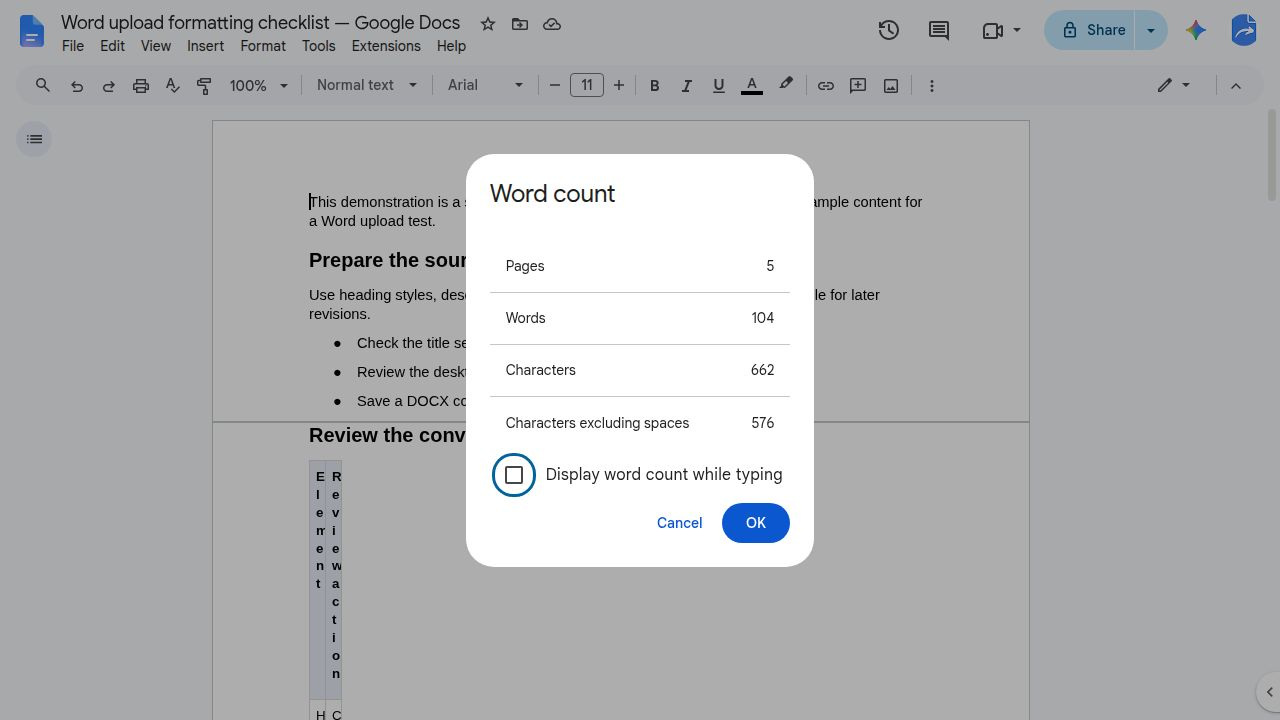
How to Open a Word Doc in Google Docs and Check the Result
Open a Word DOCX in Google Docs, choose whether to keep Word format or make a Google Docs copy, and compare five article elements before editing.
-
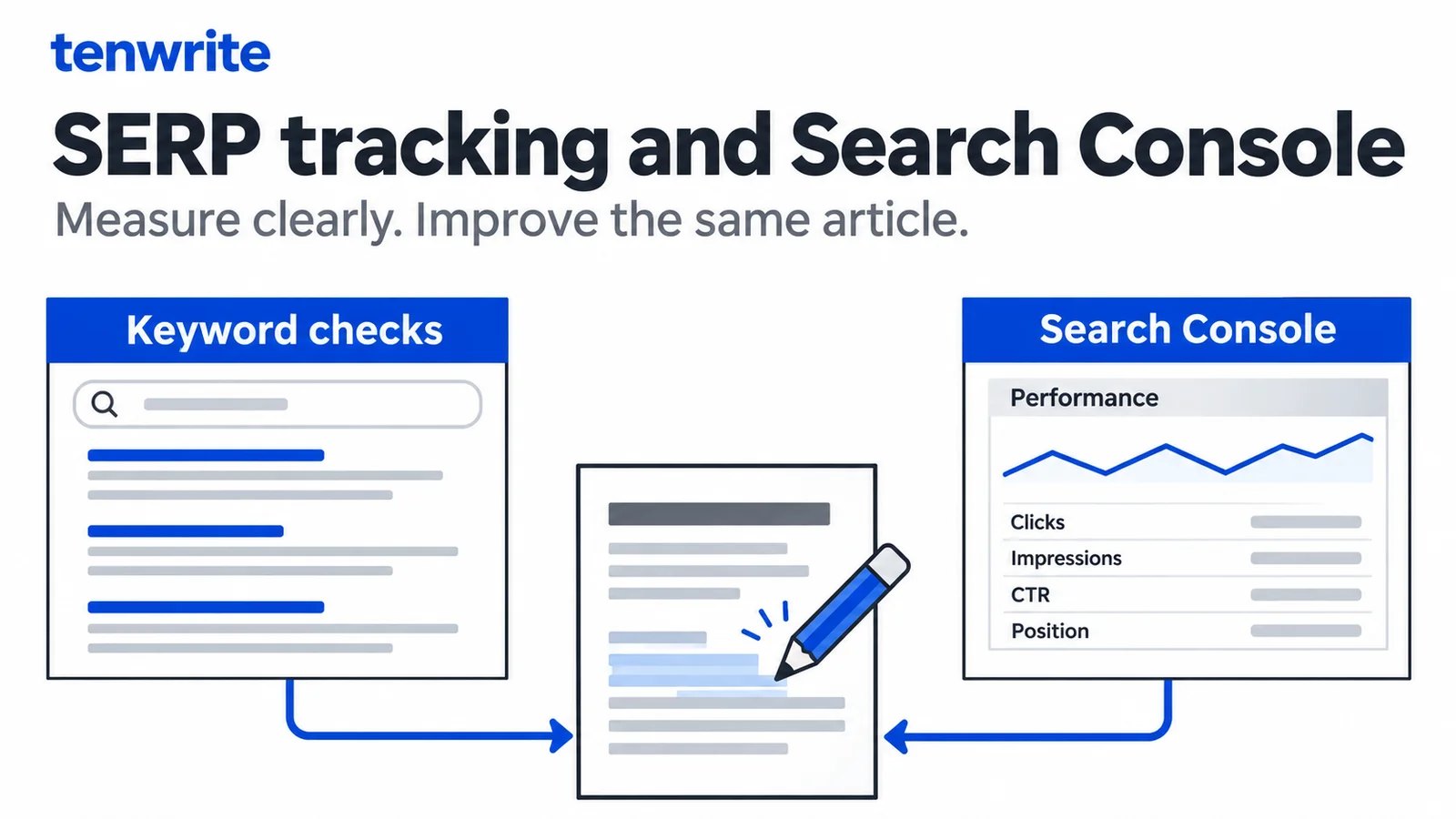
SEO SERP Tracker vs Search Console: A Practical Workflow
Understand SERP tracking versus Search Console, inspect real Tenwrite performance data, and test an upload and same-post WordPress update.
-
Project Management for Marketing Agencies: Choosing a Content Delivery Workflow
Evaluate project management for marketing agencies by testing one client article from brief through approval, WordPress publishing, and live verification. Use a reusable scorecard and pilot to identify must-haves, expose handoff gaps, and decide whether to keep your current setup, add publishing support, or reconsider your coordination tool.
-

SEO Tracker Software: How to Choose for Your Content Team
Distinguish page-performance monitoring, keyword rank tracking, and competitor tracking, then use a shared URL-and-query evaluation to choose software that fits your content team’s reporting and review workflow.
-
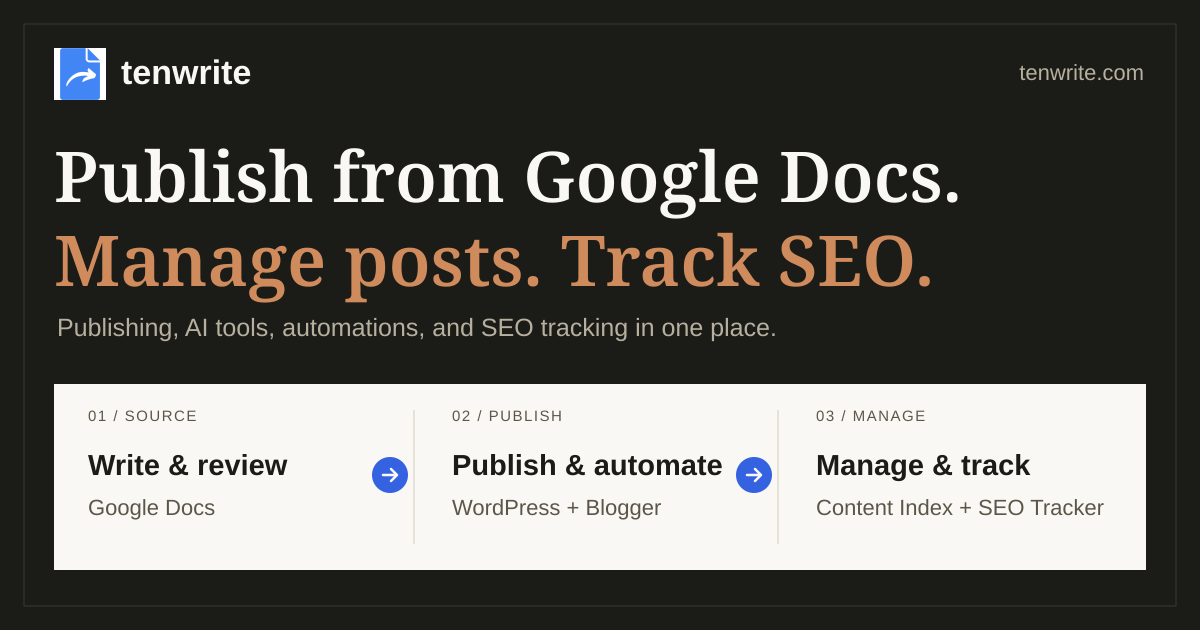
Content Operations Playbook — Tenwrite Demo
A practical workflow for publishing from Google Docs.
-
Google Docs to HTML Converter: A Clean Export and QA Workflow
Learn how to convert an approved Google Doc to HTML, choose the right handoff route, review structure and media, and verify the CMS draft and live page before release.