
Guides for publishing and managing content
Practical guides to publishing from Google Docs, managing content, and tracking search performance.
-

How to Manage Posts Across WordPress Sites Without Losing Track
Organize posts across WordPress sites with a reusable register, locate the correct version, and verify updates at each destination without assuming copies stay synchronized.
-
AI SEO Metadata for WordPress: Generate, Review and Publish
Use a finished article to ground AI-generated WordPress SEO titles and meta descriptions, edit out unsupported claims, save the approved text in the right fields, and verify what the page outputs.
-
How to Schedule WordPress Posts and Verify the Publish Time
Schedule a finished WordPress post using the native editor, verify its timezone and saved status, change or cancel the schedule, and check what to do if publication is delayed.
-

Word to Blogger: Turn a Word Document Into a Blog Post
Move Word content into a Blogger draft, check headings, lists, links, images, and tables, and distinguish publishing an article from sharing a downloadable Word file.
-
How to Check Word Count in Google Docs and WordPress
Find word counts in Google Docs and WordPress, compare the same article scope, and investigate differences with a simple worksheet and content-level checks before approving a transferred draft.
-
SEO SERP Tracker: How to Set Up a Useful Content Monitoring Workflow
Set up consistent SERP tracking with a keyword-to-page worksheet, then verify ranking changes and record the editorial action, owner, QA status, and recheck plan.
-
Project Management for Marketing Agencies: Choosing a Content Delivery Workflow
Evaluate project management for marketing agencies by testing one client article from brief through approval, WordPress publishing, and live verification. Use a reusable scorecard and pilot to identify must-haves, expose handoff gaps, and decide whether to keep your current setup, add publishing support, or reconsider your coordination tool.
-
SEO Tracker Software: How to Choose for Your Content Team
Distinguish page-performance monitoring, keyword rank tracking, and competitor tracking, then use a shared URL-and-query evaluation to choose software that fits your content team’s reporting and review workflow.
-
Automated Publishing Software: How to Choose for a WordPress Team
Compare automated publishing software by the handoff your WordPress team needs, then use a controlled pilot to check formatting, approvals, revisions, duplicate handling, and recovery.
-
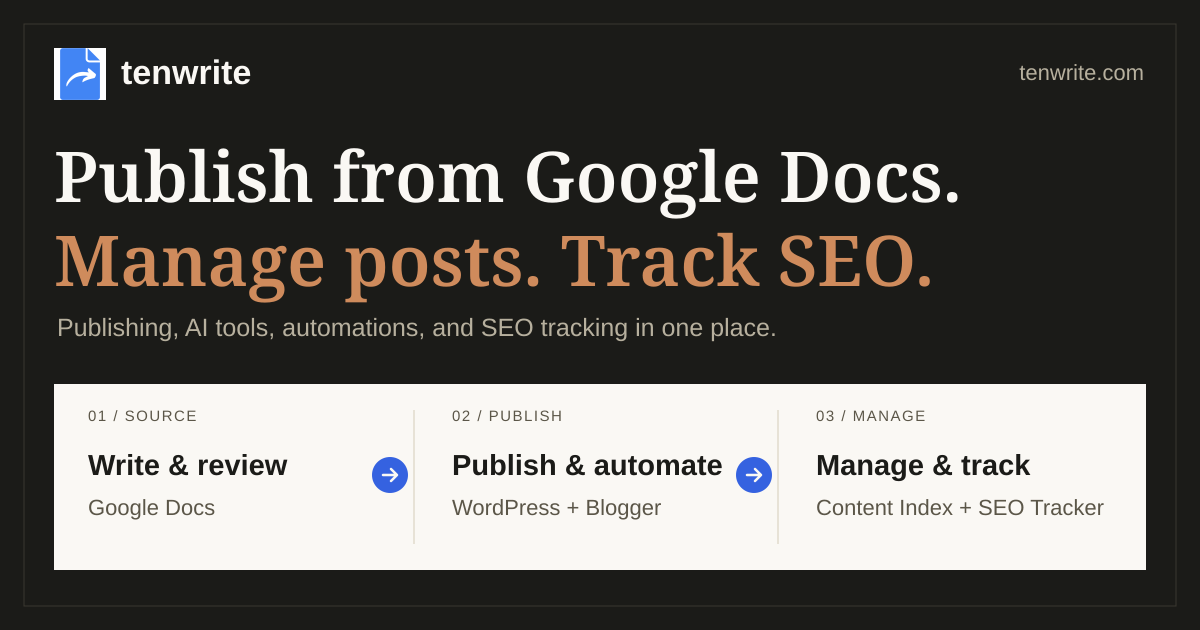
Content Operations Playbook — Tenwrite Demo
A practical workflow for publishing from Google Docs.