Tag: content QA
-
Move MS Word to WordPress: Create and Check a Draft
Choose a way to move a Word article into an editable WordPress draft, then use a practical worksheet to check headings, links, images, lists, and tables.
-
Build an Editorial Workflow From Draft to Published Post
Build a lightweight editorial workflow with clear owners, approval rules, and CMS checks. Follow an illustrative article from assignment to publication and correction.
-
Add Image Alt Text in WordPress and Check It Saved
Learn how to write contextual image alt text in WordPress, add it in the block editor or Media Library, and verify the saved image with a practical checklist.
-
How to Bulk Publish to WordPress and Check Every Post
Choose between bulk-editing WordPress drafts and importing finished documents, then use a batch manifest to check every saved post and resolve exceptions.
-
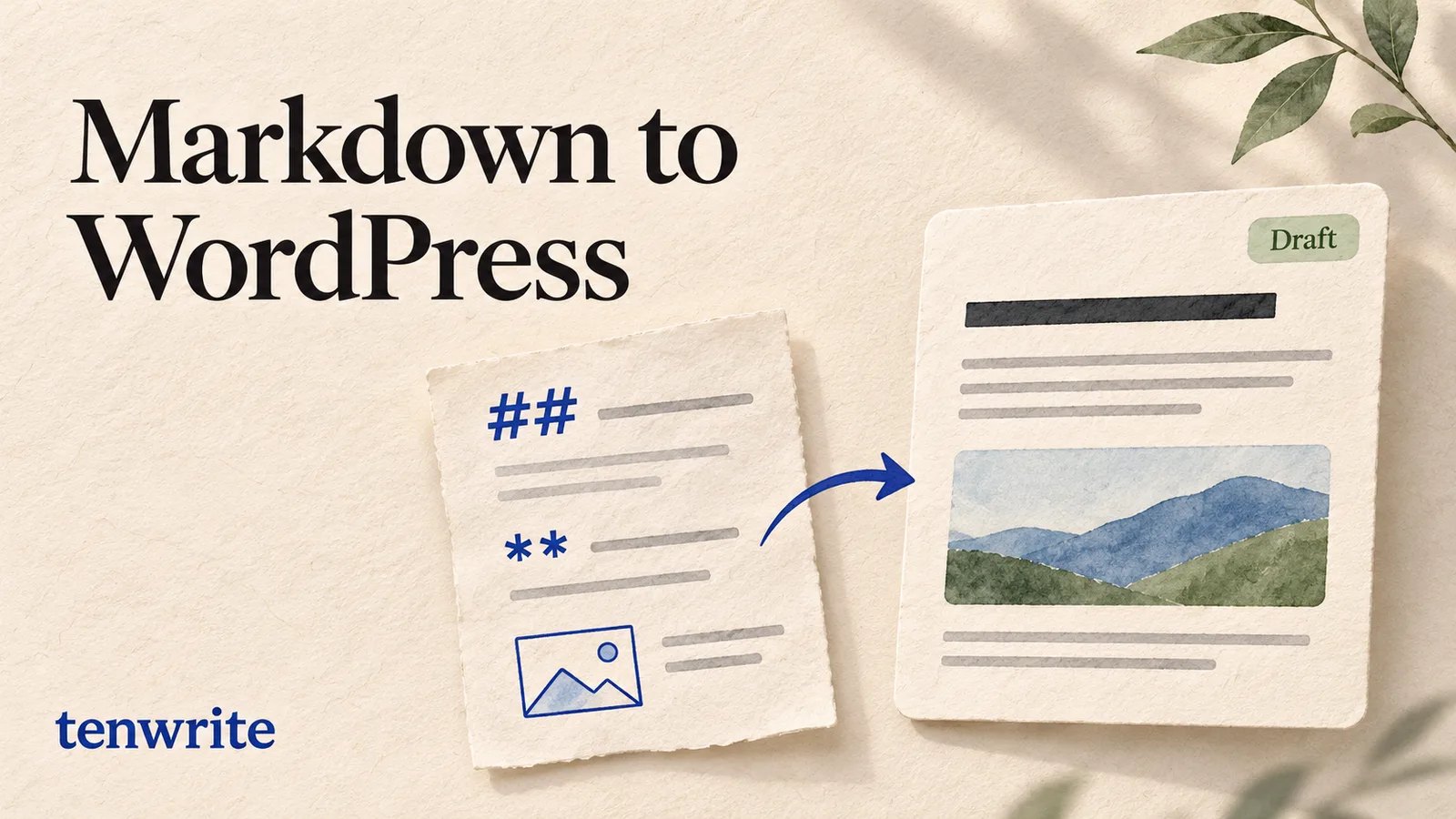
Markdown to WordPress: Upload a File and Review the Draft
Publish a Markdown file to WordPress with Tenwrite. Follow a tested upload, public image URLs, draft checks and a revised-file update to the same post.
-
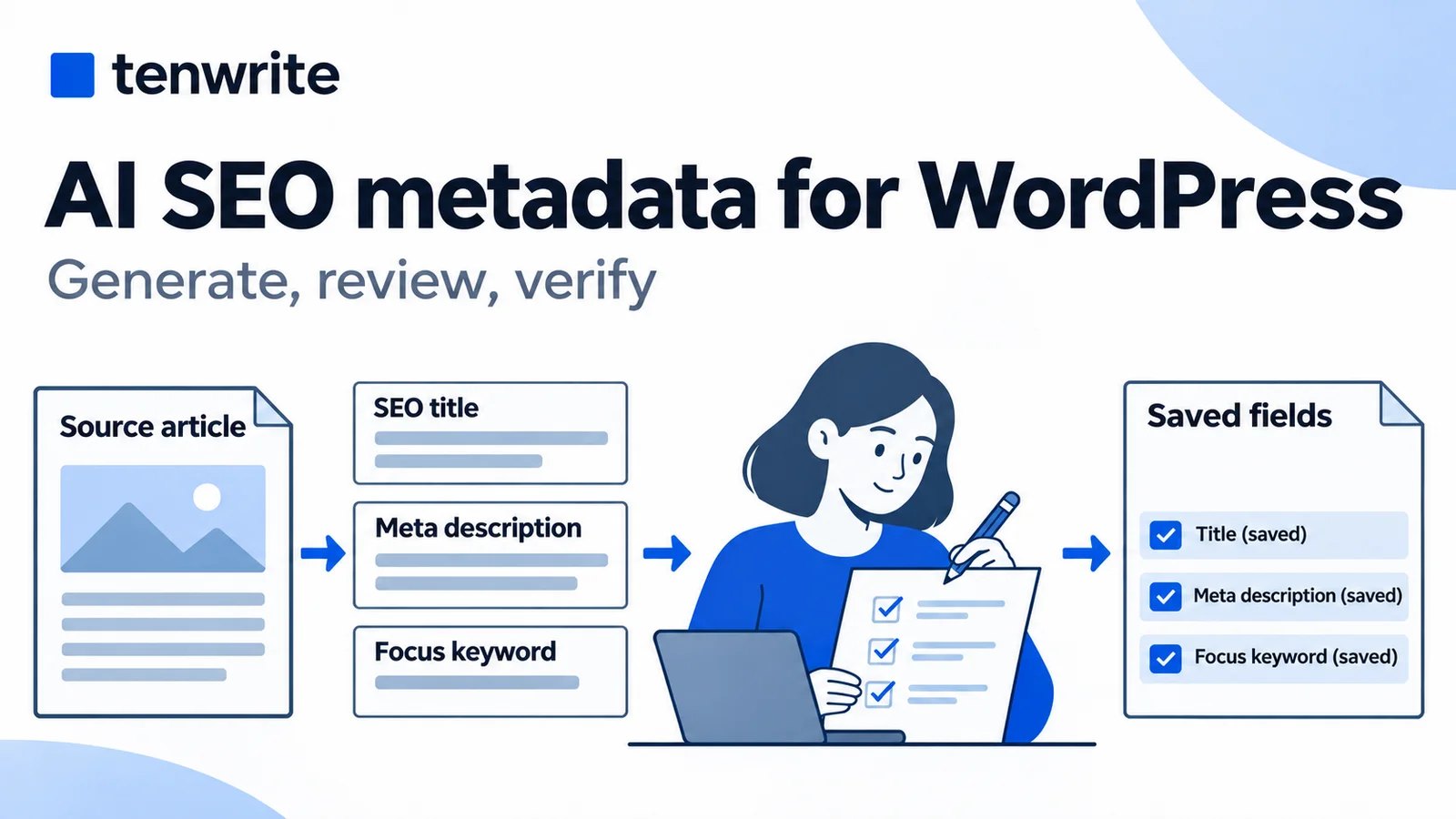
AI SEO Metadata for WordPress: Generate and Review in Tenwrite
Generate WordPress SEO titles and descriptions in Tenwrite, review them, update the same post, and verify saved fields against the page’s actual output.
-

Word to Blogger: Upload a DOCX and Review Your Post
Publish Word to Blogger with a direct DOCX upload. Follow a tested draft walkthrough, check images and formatting, and update the same post from a revised file.
-
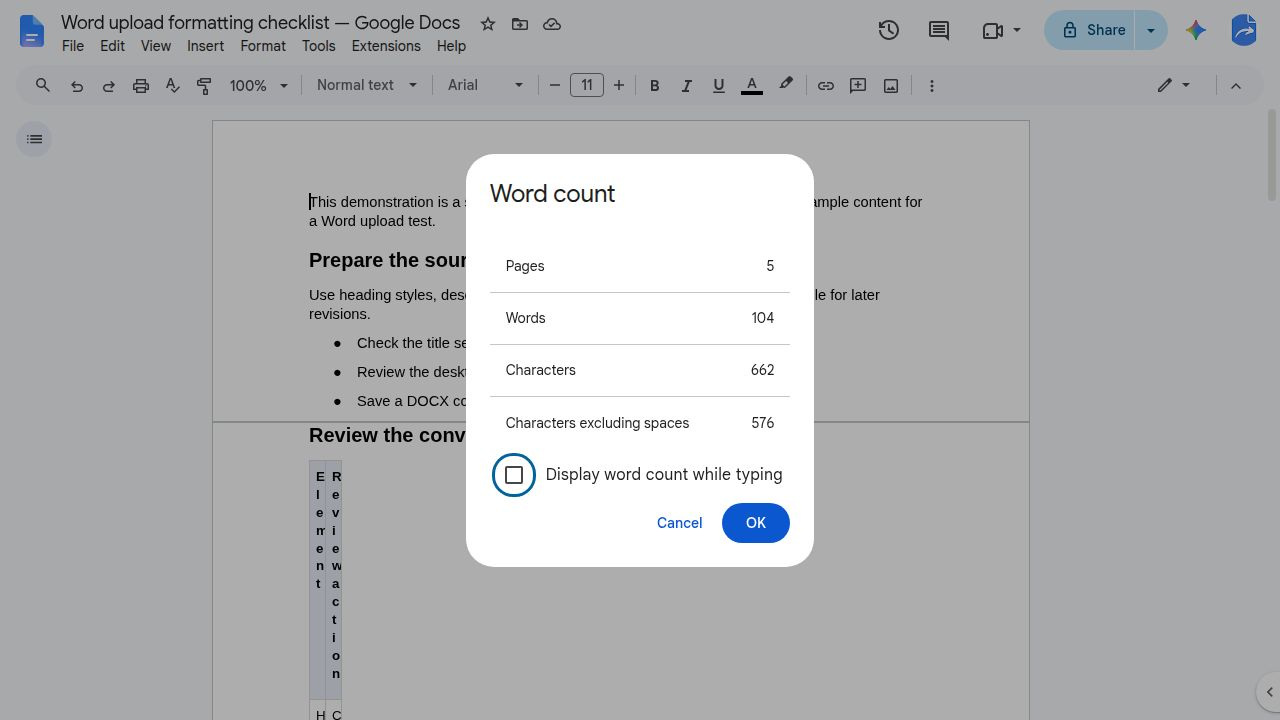
How to Open a Word Doc in Google Docs and Check the Result
Open a Word DOCX in Google Docs, choose whether to keep Word format or make a Google Docs copy, and compare five article elements before editing.
-
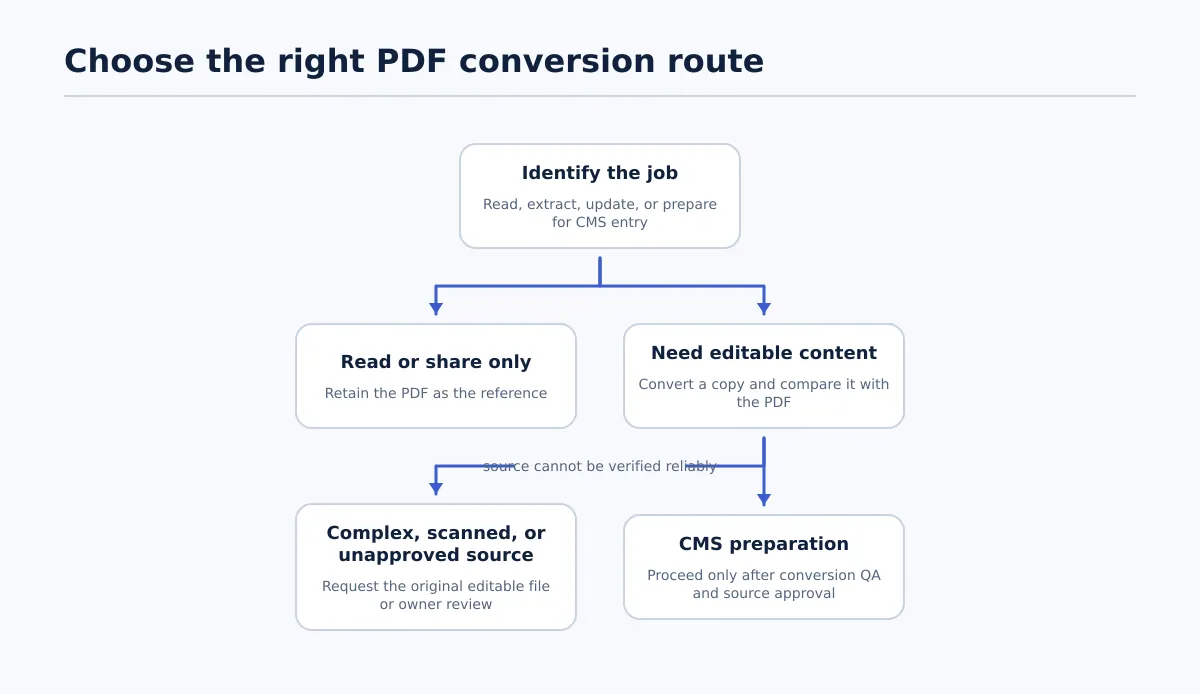
Upload a DOCX to Google Docs and Check the Result
Upload a DOCX to Google Docs, decide whether to keep it in Word format or convert it, and check the result against the original before sharing.
-
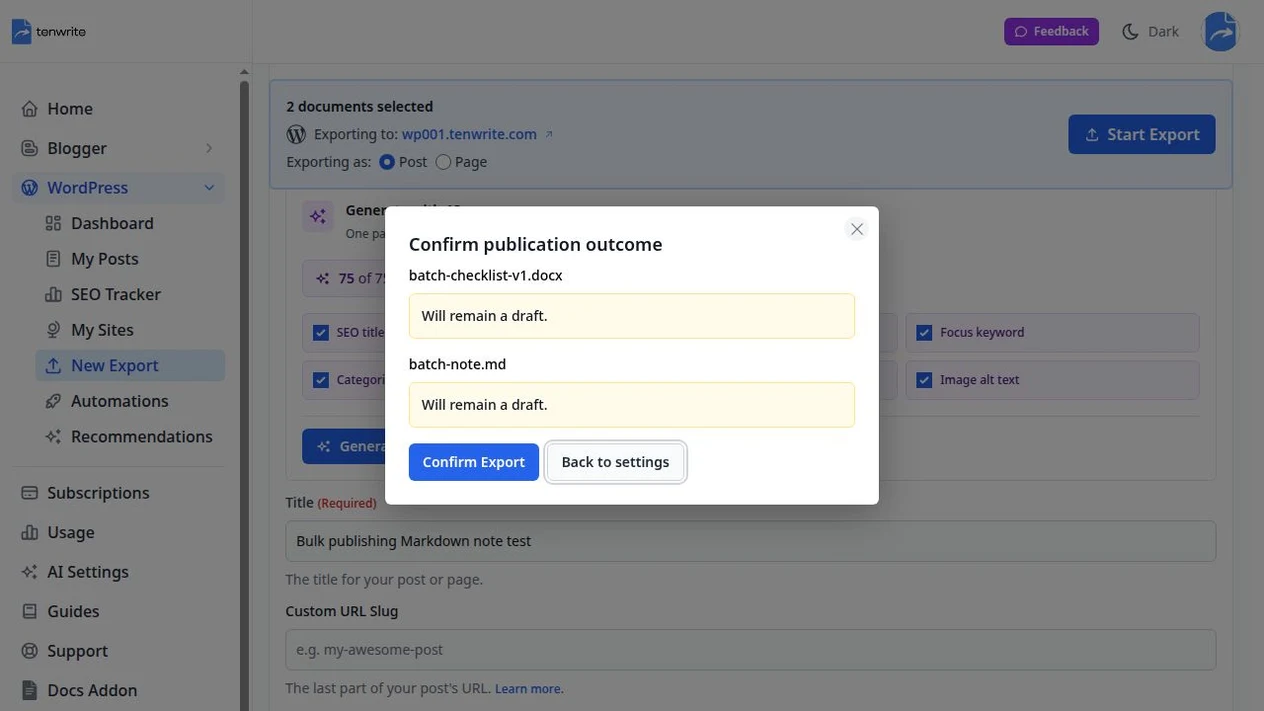
Bulk Publish to WordPress: Check Drafts and Release a Batch
Learn how to bulk publish WordPress drafts, review imported articles individually, hold unfinished posts, and verify which posts actually went live.