Tag: Blogger
-

Word to Blogger: Upload a DOCX and Review Your Post
Publish Word to Blogger with a direct DOCX upload. Follow a tested draft walkthrough, check images and formatting, and update the same post from a revised file.
-
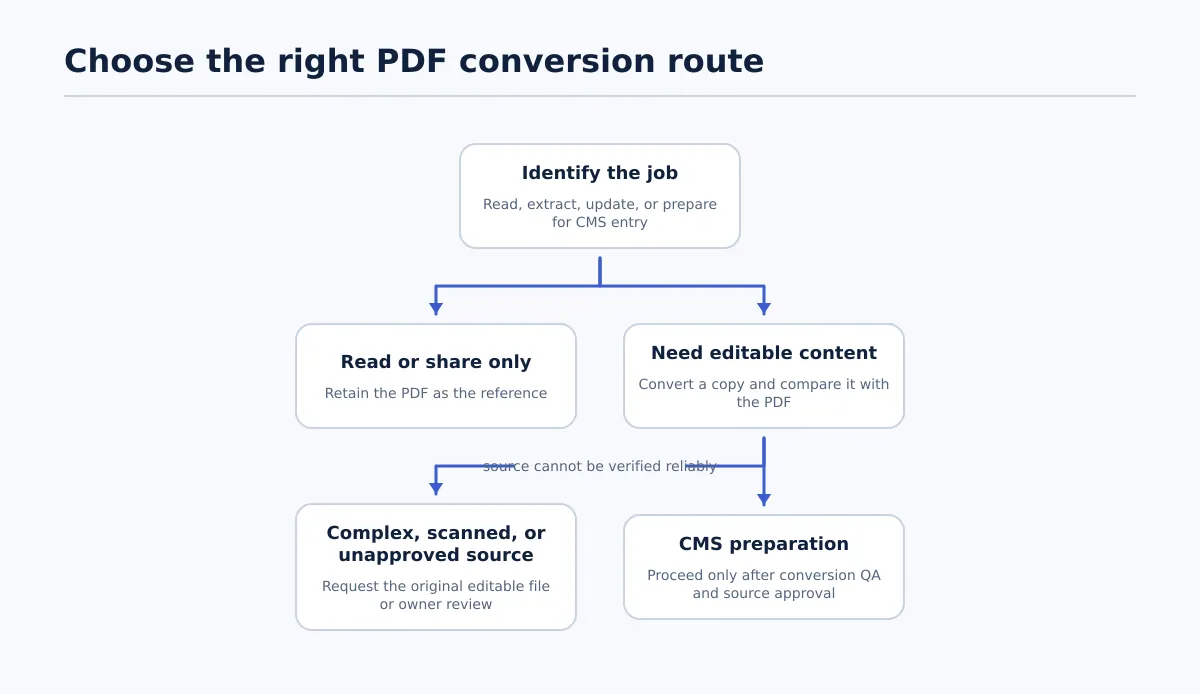
Upload a DOCX to Google Docs and Check the Result
Upload a DOCX to Google Docs, decide whether to keep it in Word format or convert it, and check the result against the original before sharing.
-
How to Save a Google Doc as HTML for WordPress or Blogger
Learn how to save a Google Doc as HTML, choose between export, conversion, and direct CMS publishing, and check headings, links, images, lists, and metadata before WordPress or Blogger publication.
-
How to Open a Word File in Google Docs—and Know Which Copy You’re Editing
Open a Word file from your computer or Google Drive, choose whether to keep Word format or create a Google Docs copy, and compare key article elements before sharing.
-
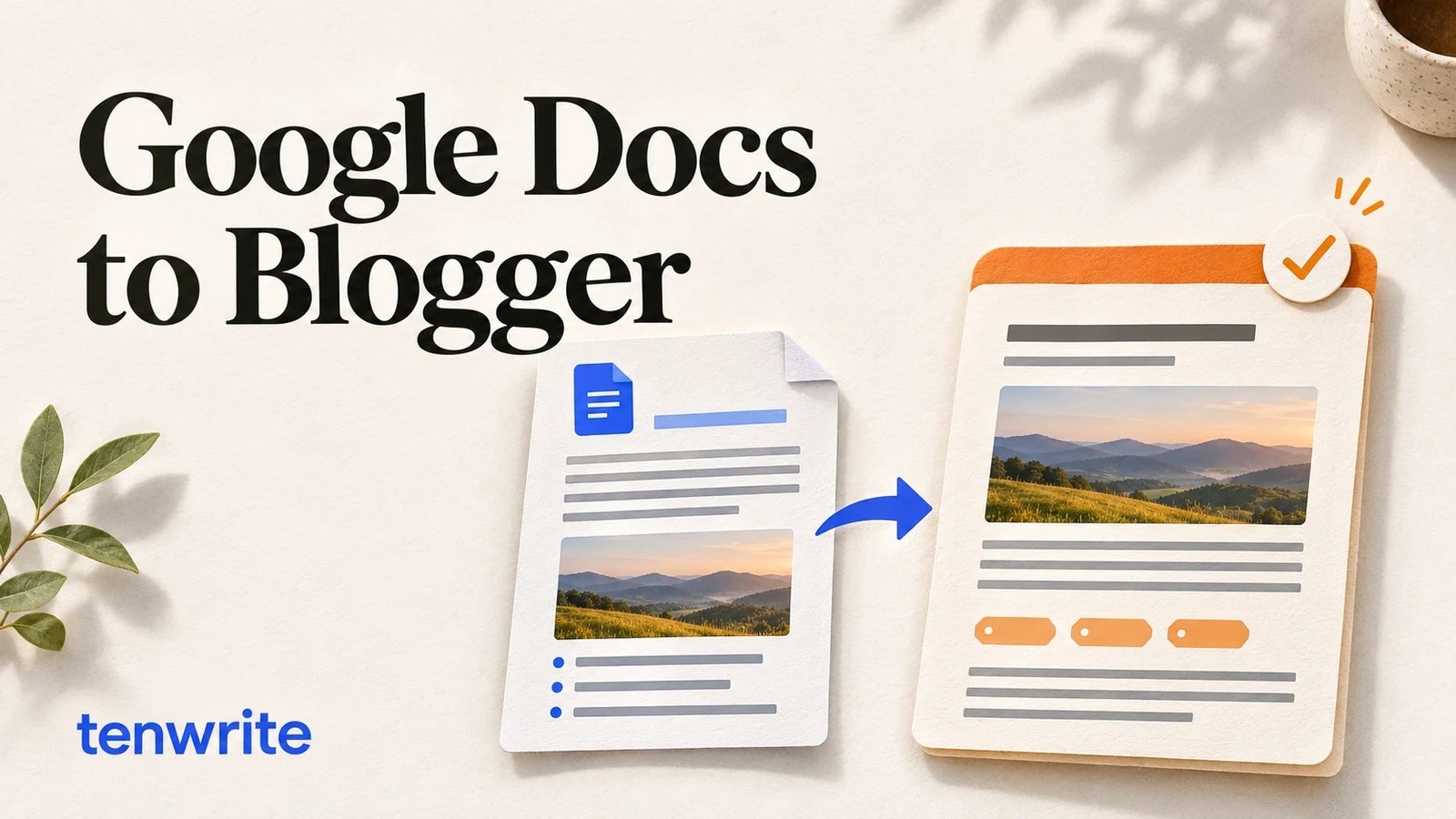
How to Publish Google Docs to Blogger (Without Messing Up Formatting)
Publish Google Docs to Blogger with images, labels and scheduling. Learn local-file options and update the same post with Tenwrite.
-
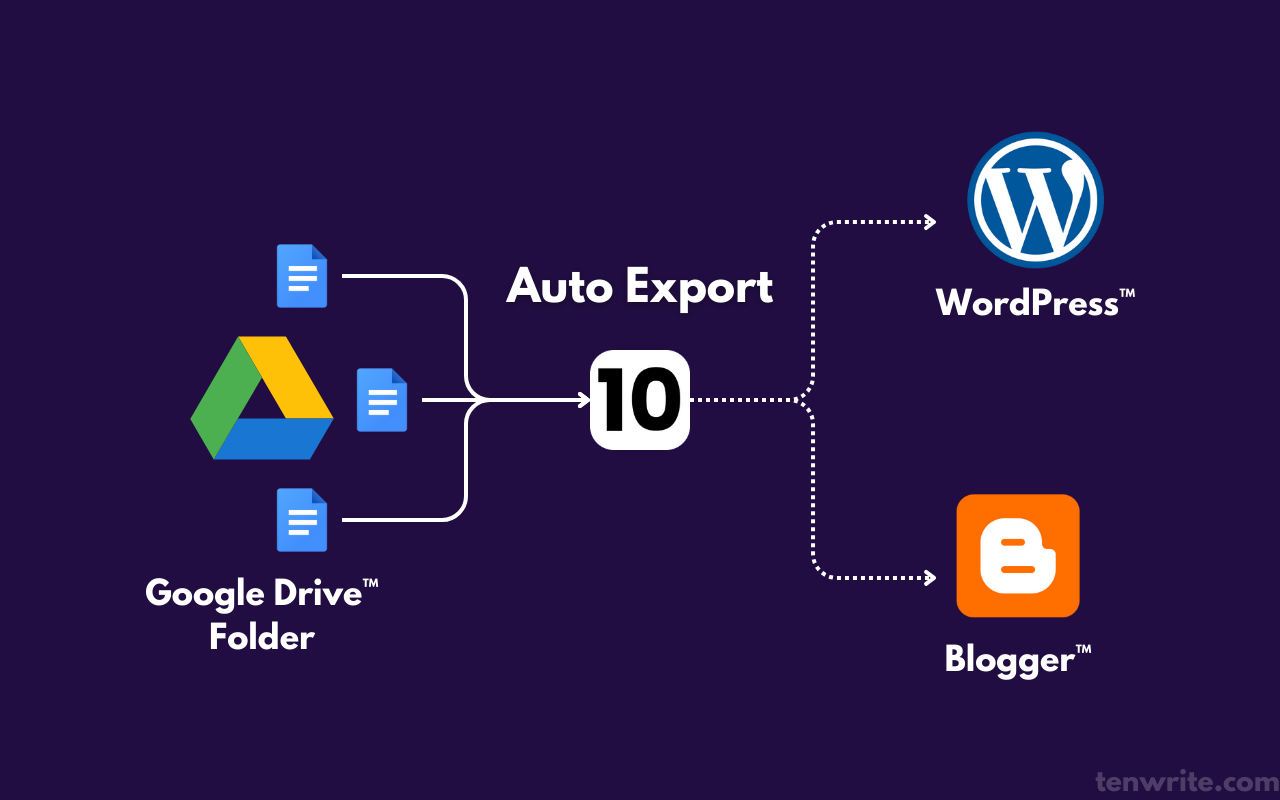
How to Connect Google Drive to WordPress—and Publish the Right Version
Compare Drive-to-WordPress connection methods, test one document in an unpublished draft, and reconcile conflicting revisions against an explicit approval record before publishing.