
Tag: WordPress publishing
-

Markdown to WordPress: Upload a File and Review the Draft
Publish a Markdown file to WordPress with Tenwrite. Follow a tested upload, public image URLs, draft checks and a revised-file update to the same post.
-
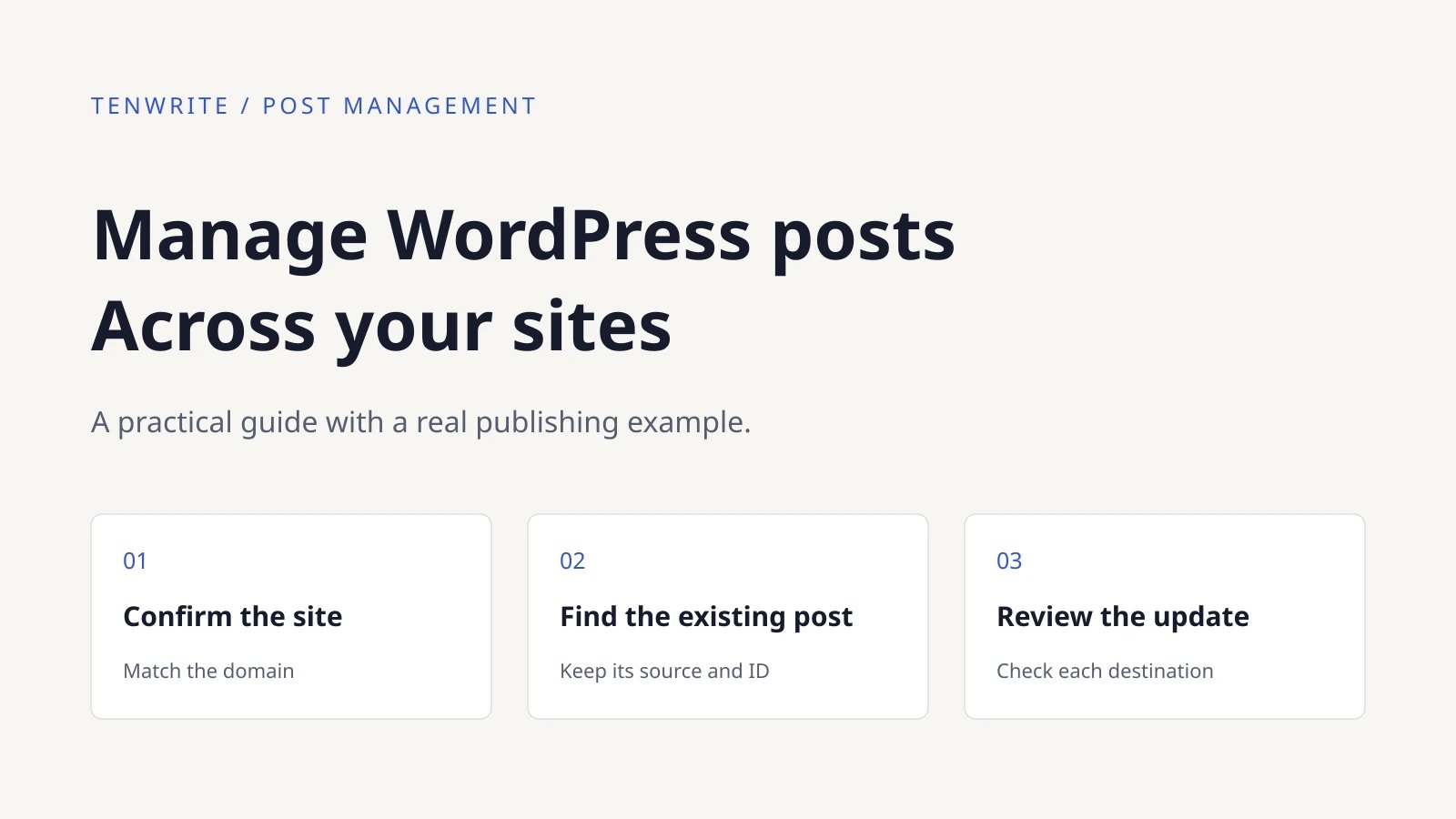
Manage Posts Across WordPress Sites with Tenwrite
Use Tenwrite to find posts across connected WordPress sites, confirm their source and ID, and update the existing destination with clear saved-result checks.
-

AI SEO Metadata for WordPress: Generate and Review in Tenwrite
Generate WordPress SEO titles and descriptions in Tenwrite, review them, update the same post, and verify saved fields against the page’s actual output.
-
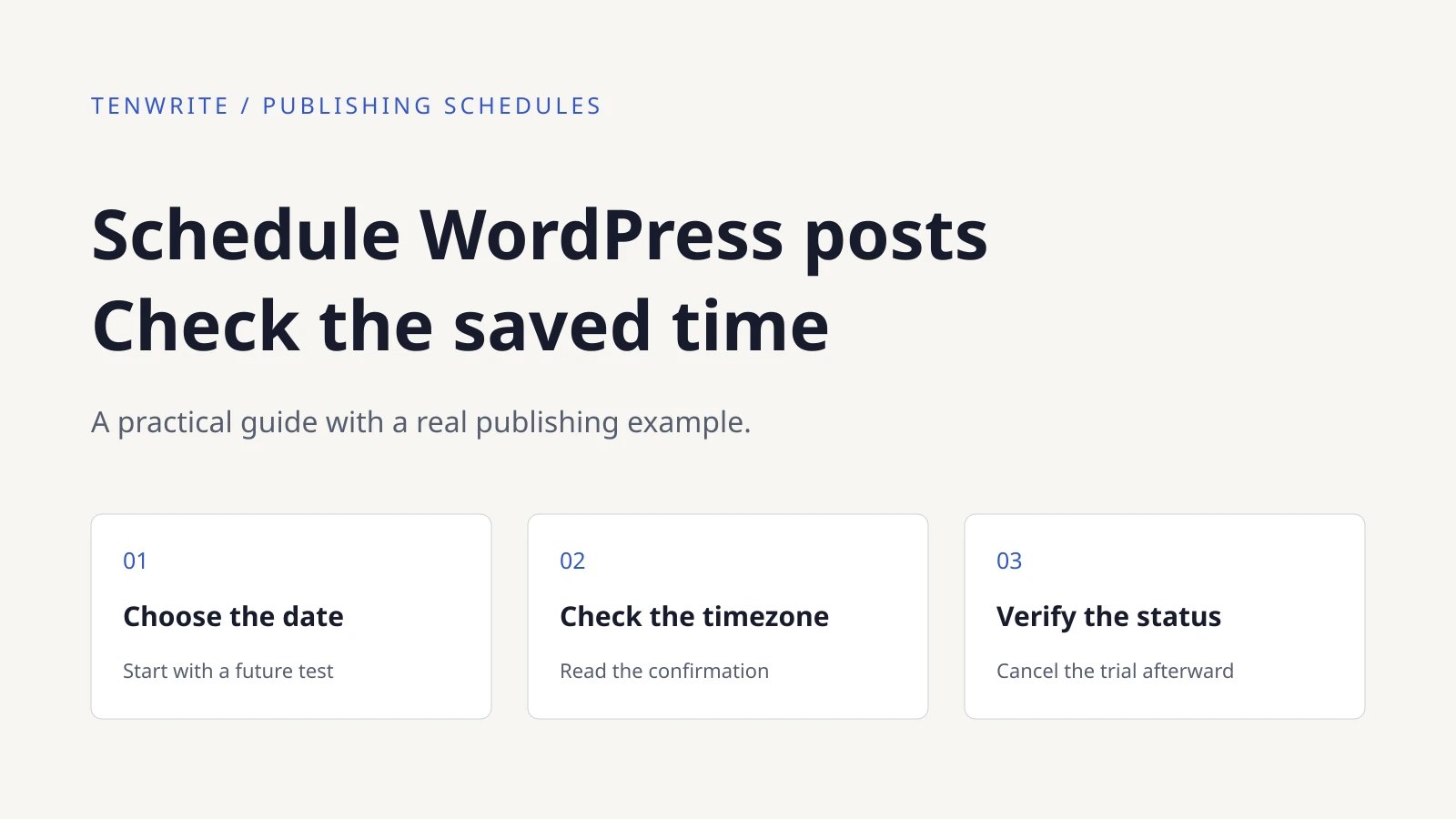
How to Schedule WordPress Posts and Verify the Publish Time
Schedule a WordPress post through Tenwrite, check the saved timezone and status, reschedule the same item, and cancel it safely. Includes a real unpublished trial.
-

How to Open a Word File in Google Docs—and Know Which Copy You’re Editing
Open a Word file from your computer or Google Drive, choose whether to keep Word format or create a Google Docs copy, and compare key article elements before sharing.