
Tag: agency publishing
-
DOCX to WordPress: Choose a Transfer Method and Check the Draft
Choose the right DOCX WordPress route for an editable post or document access, create a safe test draft, and use a source-to-draft checklist to assign and resolve differences before handoff.
-
Google Docs Writer Workflow: How to Prepare Content for WordPress Publishing
Learn what a Google Docs writer owns before WordPress publishing, how to structure an approved source, record the handoff, choose a transfer route, and verify the WordPress draft before release.
-

Google Docs to Blogger: A Draft-to-Publish QA Workflow
Move an approved Google Doc into Blogger with a controlled handoff: choose the right transfer route, inspect the draft, run formatting and release QA, reconcile late revisions, and verify the live page.
-

Docs to HTML: Convert Documents and Check the Output Before You Publish
Learn how to convert Google Docs or Word content to HTML, inspect headings, links, lists, and images, then validate the CMS draft and record the handoff before publishing.
-

Google Docs to WordPress Post: A QA Workflow From Approved Doc to Verified Publish
Use a field-level QA workflow to move an approved Google Doc into WordPress, assign handoff owners, validate the draft, and verify the live post.
-
Docs to HTML Converter: Choose a Method and Check the WordPress Draft
Choose a Google Docs-to-HTML conversion route, inspect the resulting markup, and compare the WordPress draft and preview with the approved source before approval.
-
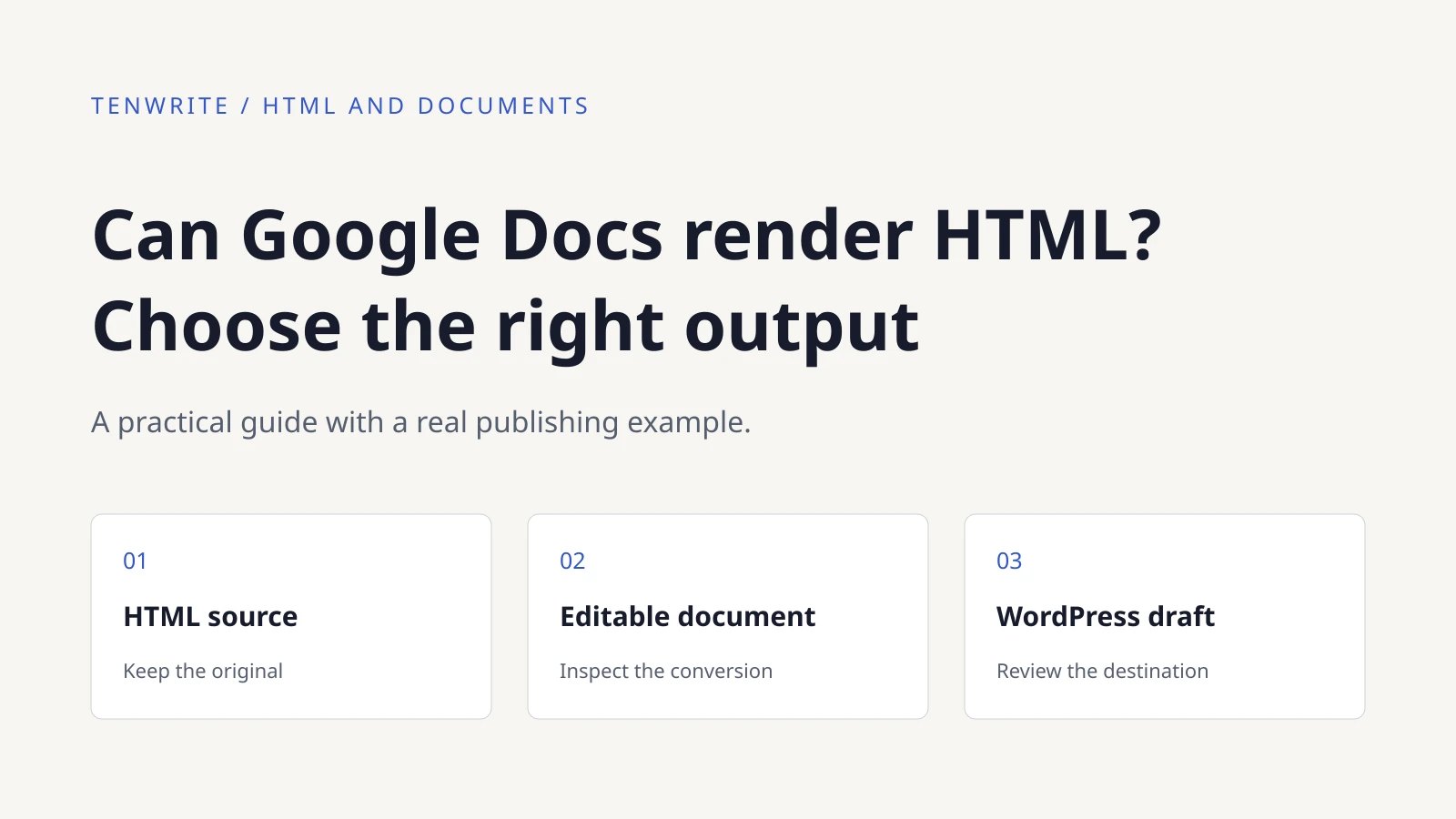
Can Google Docs Render HTML? Import, Export, or Publish
See a real HTML-file import into Google Docs and a Tenwrite WordPress draft. Compare importing, exporting and embedding, with practical checks for each route.
-
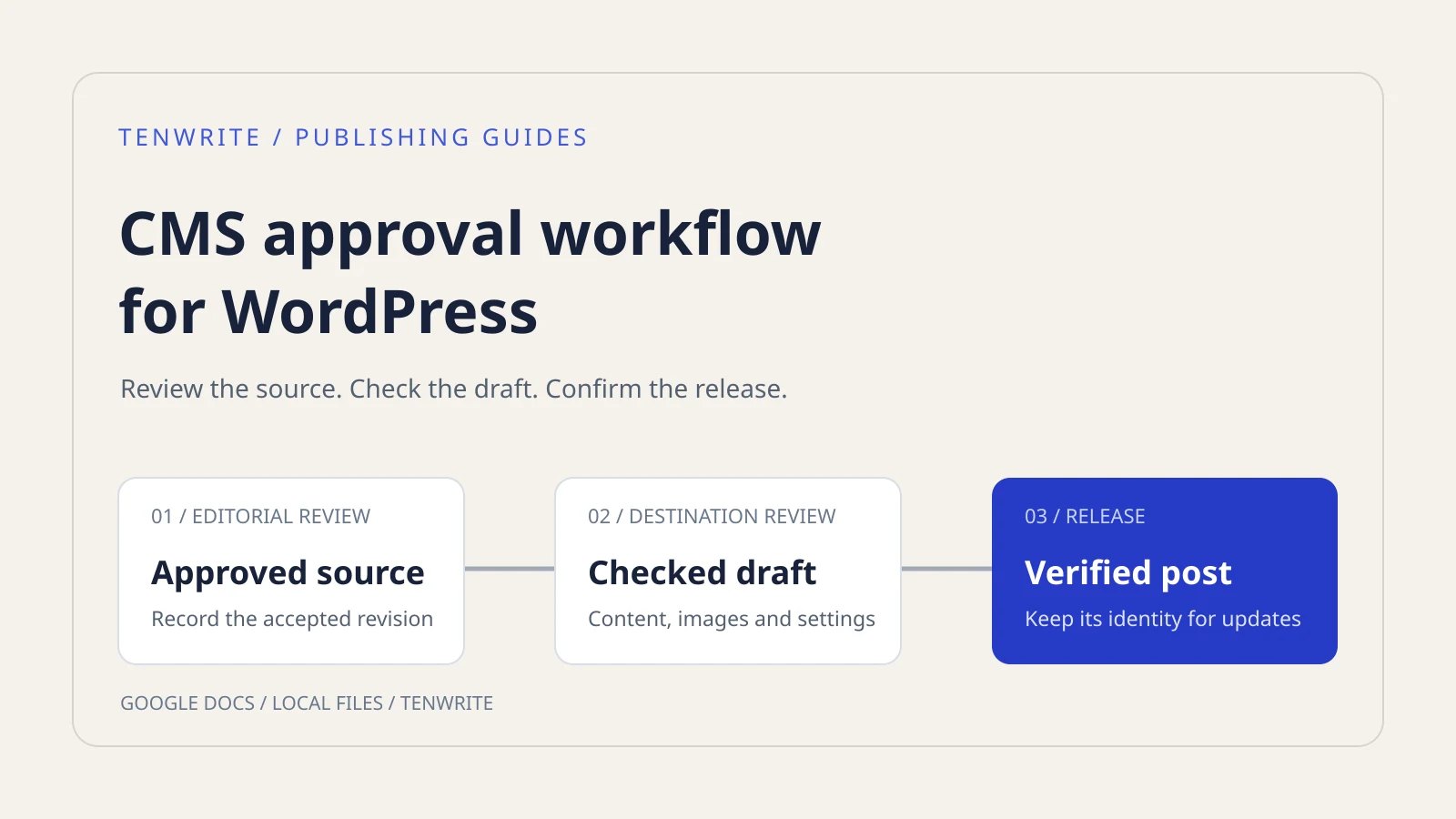
CMS Approval Workflow for WordPress: Review, Publish and Update
Build a CMS approval workflow for WordPress with a review checklist, a real Tenwrite draft upload and a verified update to the same post.
-
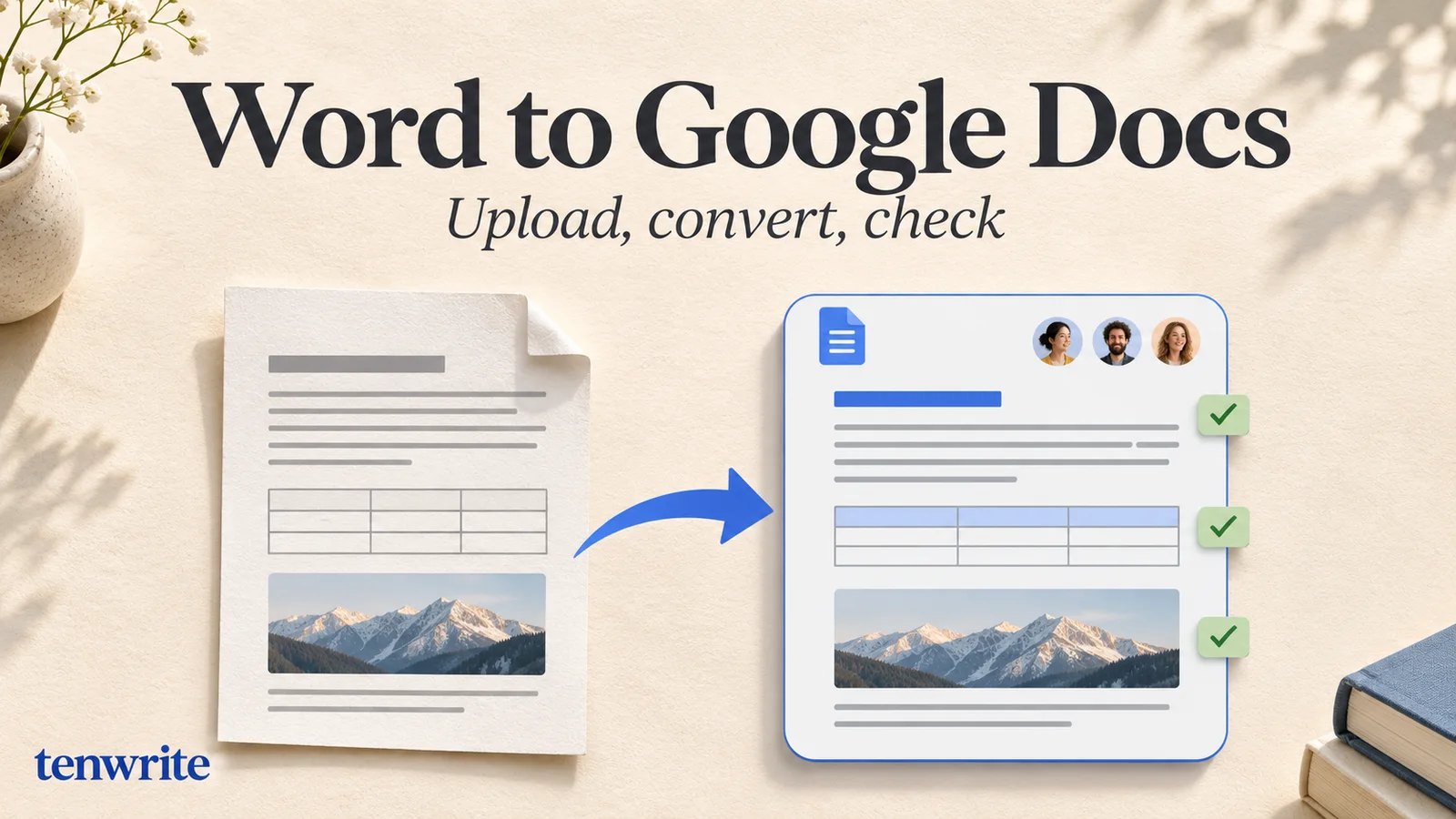
How to Upload a Word Document to Google Docs
Upload a Word file to Google Docs, create a native copy, check formatting, and test a same-post WordPress update with a real document.
-
How to Import Google Docs to WordPress Without Skipping Draft QA
Learn how to import Google Docs to WordPress by choosing the right route, preparing an approved source, testing the draft, completing destination fields, and verifying the live release.